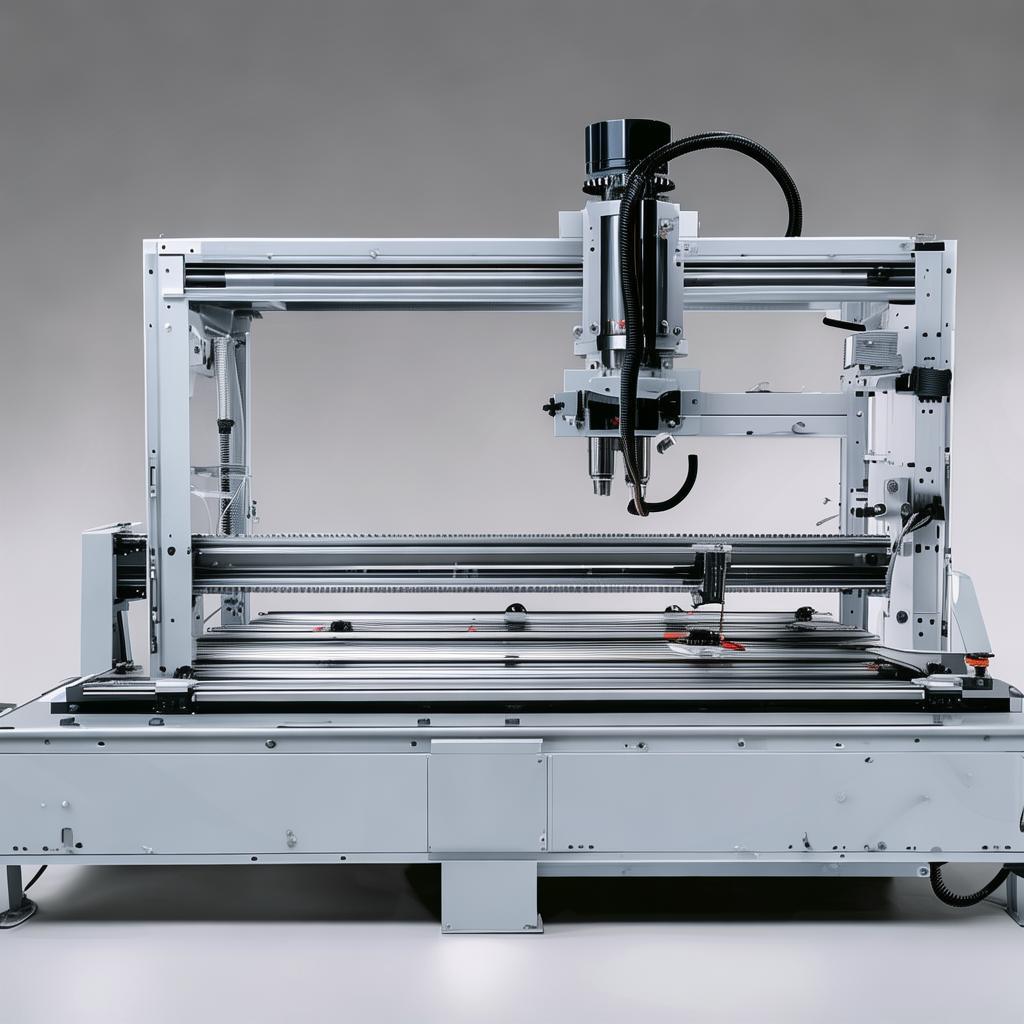
CNC router CAM software integration
Product Overview
CNC router CAM software integration streamlines the handoff between CAD/CAM workflows and CNC router controllers, helping fabrication teams produce reliable toolpaths, consistent machine setup, and predictable results on the shop floor. Built for woodworking, signage, metalworking, and composite fabrication operations, this integration supports modern production needs: faster quoting-to-program turnaround, fewer programming errors, and smoother job changeovers for high-mix environments.
Whether you run a single routing cell or manage multiple production lines, an integrated CAM-to-machine workflow reduces friction across design, programming, and machining—so your CNC routers execute the right moves, at the right parameters, every time.
Key Features
- Job-ready toolpath delivery that reduces manual translation steps between CAM output and controller consumption.
- Parameter consistency controls to help maintain spindle/feed/depth intent from planning through execution.
- Repeatable setups with workflow support that helps standardize common operations like pockets, profiles, and engraving.
- Cleaner changeovers by organizing program artifacts and keeping revisions traceable for faster re-runs.
- Built for shop-floor usability so operators can follow predictable programming-to-machining steps with fewer uncertainties.
- Compatibility with common CAM workflows so your existing design and toolpath creation process remains intact.
- Quality-focused output checks to help catch mismatches early—before they become scrap or rework.
Technical Specifications
| Parameter | Specification |
|---|---|
| Primary function | Automates and standardizes the workflow between CAM-generated toolpaths and CNC router execution |
| Workflow positioning | CAM-to-machine handoff with job packaging and execution-ready program preparation |
| Typical outputs | Controller-ready files and structured job artifacts for production reruns and revisions |
| Revision handling | Supports traceability patterns to reduce confusion between program versions on the floor |
| Process focus | Routing operations commonly used in CNC router production: profiles, pockets, drills/posts, and engraving |
| Deployment approach | Integration layer designed to fit within established CAD/CAM and manufacturing IT processes |
Application Scenarios
- Woodworking shops using repeatable nesting and routing paths to reduce rework during material changes.
- Sign and graphics manufacturers standardizing engraving and contour programs so operators can load jobs consistently.
- Composite and polymer fabricators improving job handoffs for complex toolpaths where parameter mismatches can cost time.
- Metalworking router cells supporting structured program delivery for mixed runs across multiple machines.
Advantages
Compared with generic “export and hope” methods, this CAM-to-controller integration emphasizes consistency and operational clarity. Instead of treating each job as a one-off rescue effort, it helps your team follow a repeatable workflow that supports higher throughput and lower scrap risk.
- Fewer manual steps reduce transcription errors and shorten the time from CAM completion to machining readiness.
- More predictable execution helps ensure the controller receives intended parameters and structured job artifacts.
- Improved traceability makes it easier to diagnose issues and reproduce successful runs when jobs change or materials vary.
- Designed for production realities where multiple operators, varying materials, and frequent revisions demand a stable handoff.
Why Choose Us
We support international manufacturers and distributors with integration-focused implementation and practical guidance for shop-floor adoption. Our goal is not just a working setup, but a stable workflow your team can operate confidently across projects.
- Process-first onboarding: we align the integration with your existing CAD/CAM and production method so outcomes are measurable on day one.
- Support for production continuity: guidance that helps reduce downtime during transitions to new workflows.
- Clear documentation: implementation notes and operator-ready workflow recommendations to keep training simple.
- Ongoing improvement: feedback loops to refine how jobs are prepared, organized, and executed.
FAQ
1) What does CNC router CAM software integration change in our workflow?
It standardizes the handoff from CAM-generated toolpaths to controller-ready execution artifacts, reducing manual translation and improving consistency across jobs.
2) Will this disrupt our existing CAD/CAM toolpath creation?
No—your design and toolpath generation process remains in place. The integration focuses on the delivery and preparation steps needed for accurate execution.
3) Can we use it for different job types like profiles and engraving?
Yes. The workflow is intended to support common CNC router production operations, helping your team keep job structure and execution steps consistent.
4) How do we handle revisions and re-runs?
The integration is designed around traceability patterns so you can distinguish revisions and re-execute successful programs more efficiently.
5) Is this suitable for high-mix production with multiple operators?
Yes. The emphasis on repeatable job delivery and structured execution helps reduce operator variability and speeds up changeovers.
6) Do you offer implementation guidance?
We provide onboarding and documentation to help your team adopt the integrated CAM-to-machine workflow smoothly—so your return comes from faster, more reliable production, not just a software install.
Want to see how CNC router CAM software integration fits your machines, your CAM workflow, and your typical job mix? Request a quotation or share your current toolchain details—we’ll respond with a practical integration plan tailored to your production needs.
Note: Specific file formats, controller behaviors, and supported machine configurations vary by setup; we’ll confirm requirements during your evaluation.